Websites
PDF Text Editor
Open a PDF and edit the text right on the page: lines re-wrap themselves and the paragraphs below move down.
Open the project
/play/pdf-editor/index.html
Press “Открыть пример” to edit the sample contract right inside the frame. Your own PDF works too — nothing is uploaded.
Gallery
-
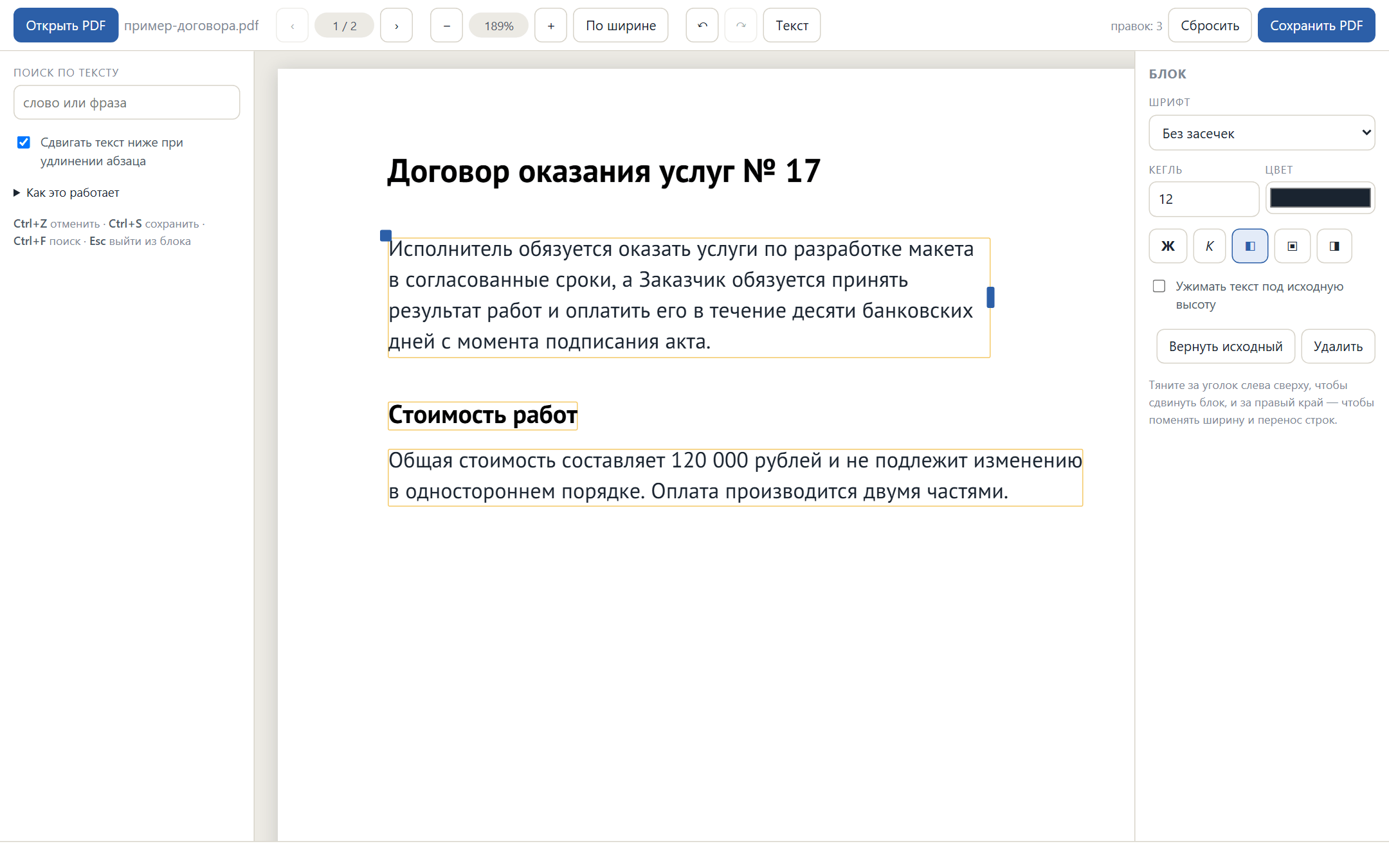
The paragraph got longer: lines re-wrapped by themselves and the heading and text below moved down -
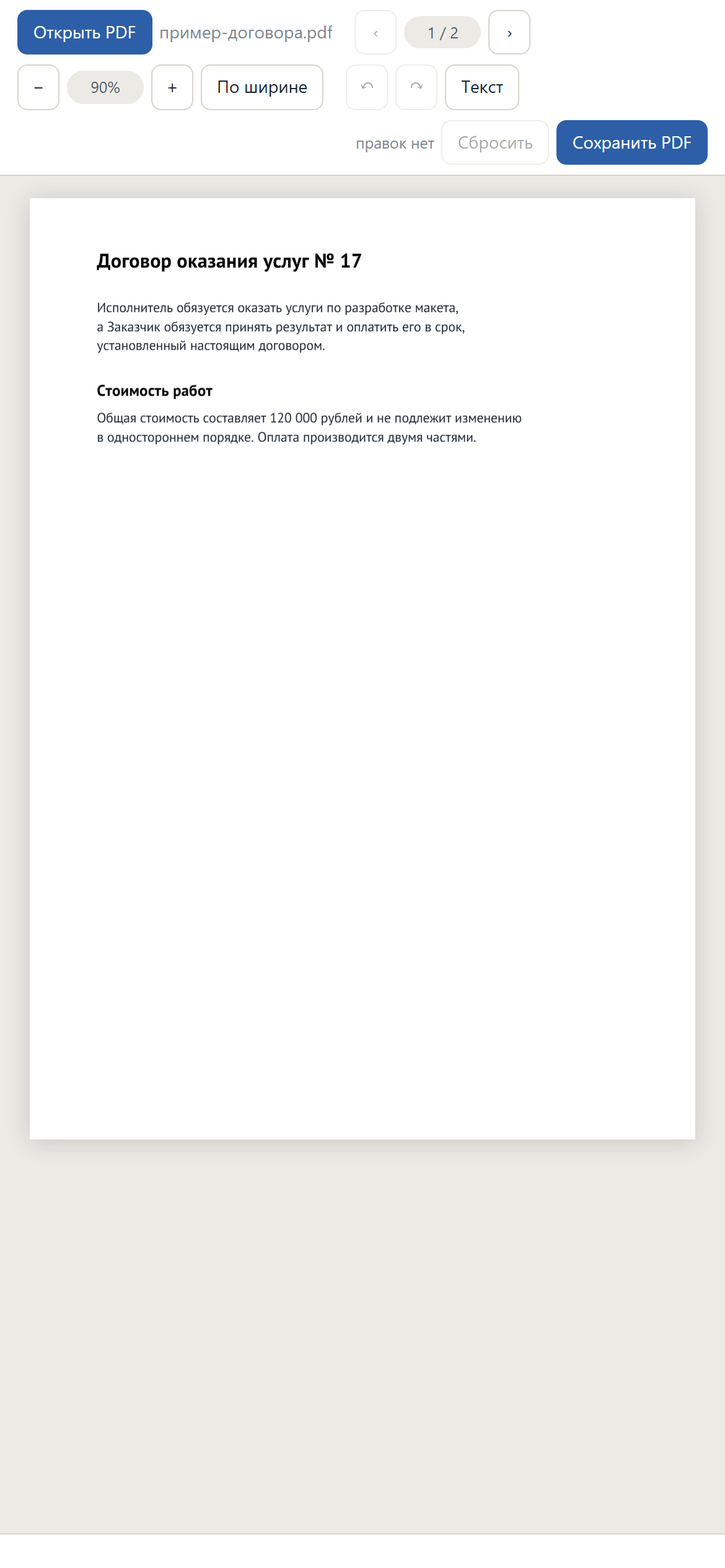
About the project
A PDF has no paragraphs — not even lines, just a scatter of text fragments with coordinates. The app rebuilds paragraphs out of them: fragments are joined into lines by their baseline, lines into blocks by leading and shared column. After that the document edits like a text file. Everything runs in the browser: the file is never uploaded, and the draft is kept on the machine itself, surviving a page reload.
What is inside
- Text adapts: lines re-wrap to the block width, and the blocks below shift by exactly how much the paragraph grew
- A “shrink to the original height” mode drops the font size on its own where the layout must not move
- Line breaking on screen and in the saved file uses the same metrics, so the preview matches the result line for line
- Text and background colours are sampled from the rendered page rather than guessed, so light type on a filled panel survives
- Untouched paragraphs go into the file as they were, with no redrawing and no loss of quality
- New captions can be placed anywhere, including on top of scans with no text layer
- Full-document search, 80 steps of undo, and a draft auto-saved to IndexedDB