Oktava — a studio in the browser
Five instruments, a step sequencer and live playing from the keyboard. The finished piece saves to your device as a .wav file — no sign-up, no install.
Open the project
Click a few cells and press Play. Tabs switch tracks, the keys below play live — including the A, S, D, F keys on your keyboard. The .wav button saves the result to your device.
Gallery
-
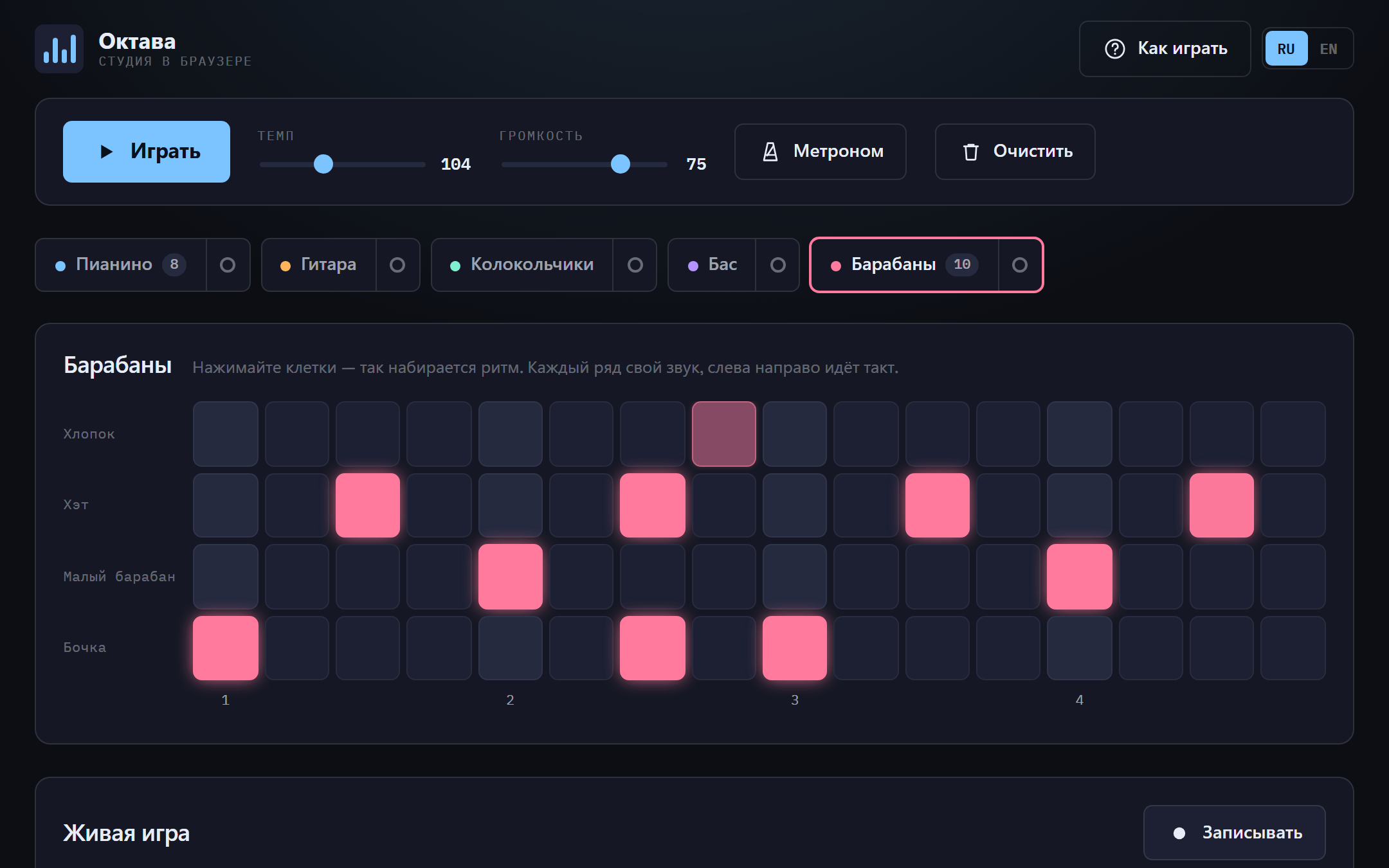
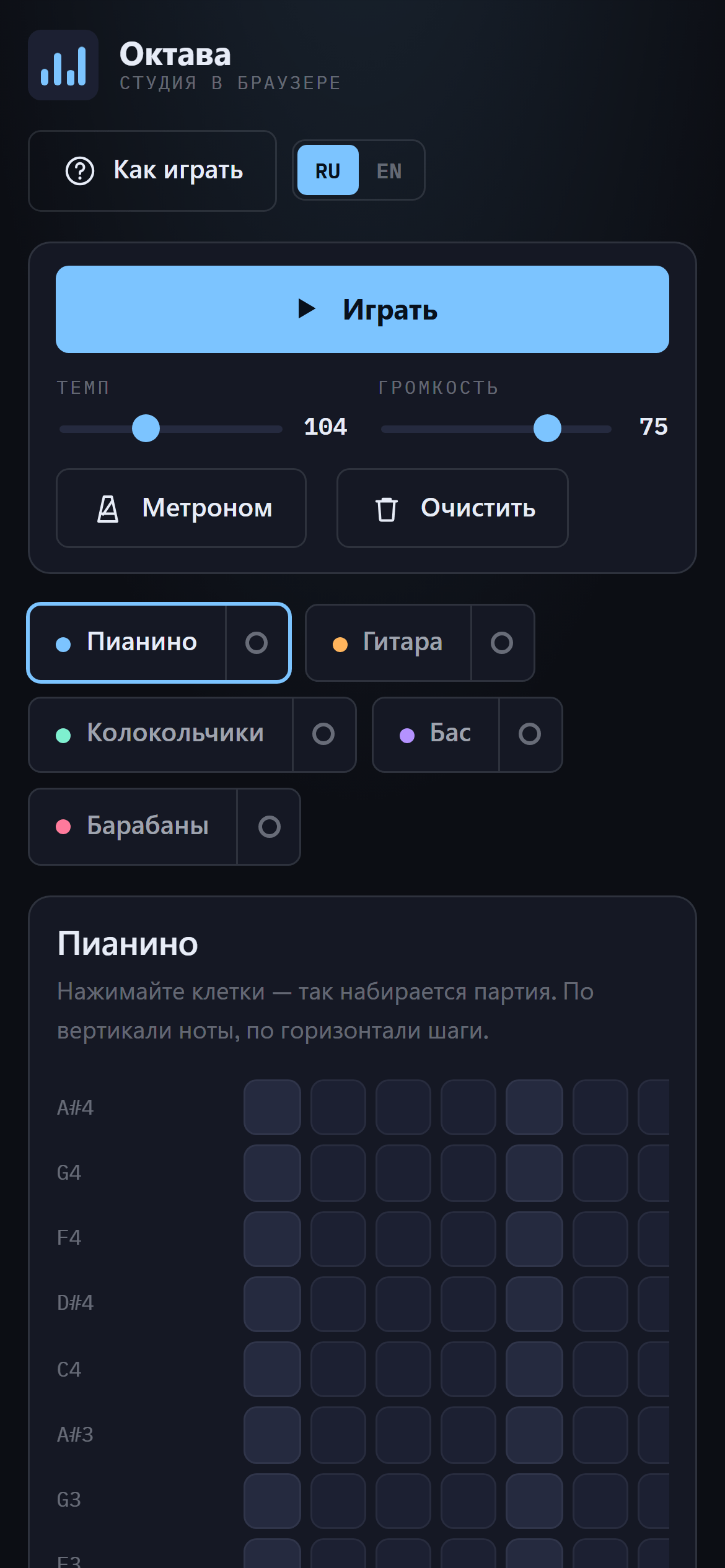
Each instrument has its own colour, carried through the tab, the grid cells and the keys -
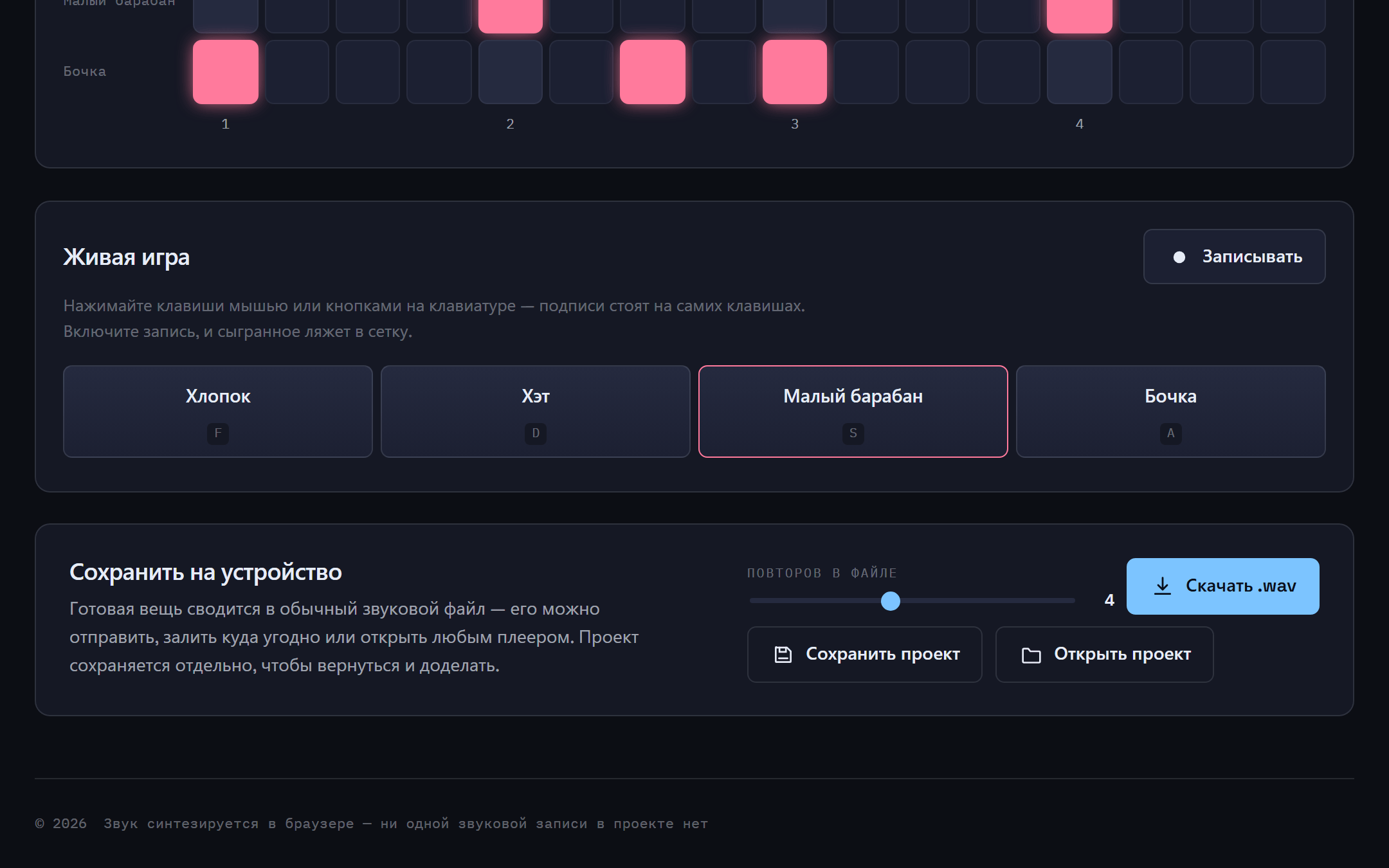
The result mixes down to .wav; the project saves separately so you can come back and finish it -
About the project
A web app where you put music together and take it away as a file. There is not a single audio recording in the project: the piano is built from three partials, the guitar is computed with the Karplus–Strong algorithm, the bells run on frequency modulation, and the drums come from noise and sine waves with a sharp pitch drop. That is why the whole thing weighs tens of kilobytes instead of tens of megabytes and sounds the moment you press a key.
What is inside
- Mixdown to .wav entirely in the browser: OfflineAudioContext renders faster than real time and the format encoder fits in twenty lines with no dependencies
- Notes are scheduled against the audio clock rather than timers — setTimeout drifts by tens of milliseconds, which the ear hears as a falling-apart beat
- Live playing with the mouse or the computer keys; with recording on, what you play lands in the grid snapped to the nearest step
- The scale is a minor pentatonic: it has almost no sour combinations, so someone with no musical training puts together something pleasant on the first try
- The project saves as its own file and opens back up; nothing is sent to a server