Vetka — git step by step
A Git Bash trainer: you type the commands yourself while the diagram shows the file moving from folder to index, turning into a commit and travelling to GitHub.
Open the project
Type the command from the card on the left and press Enter — the diagram will show what happened. The “Fill in” button types it for you. There is more room in a separate tab.
Gallery
-
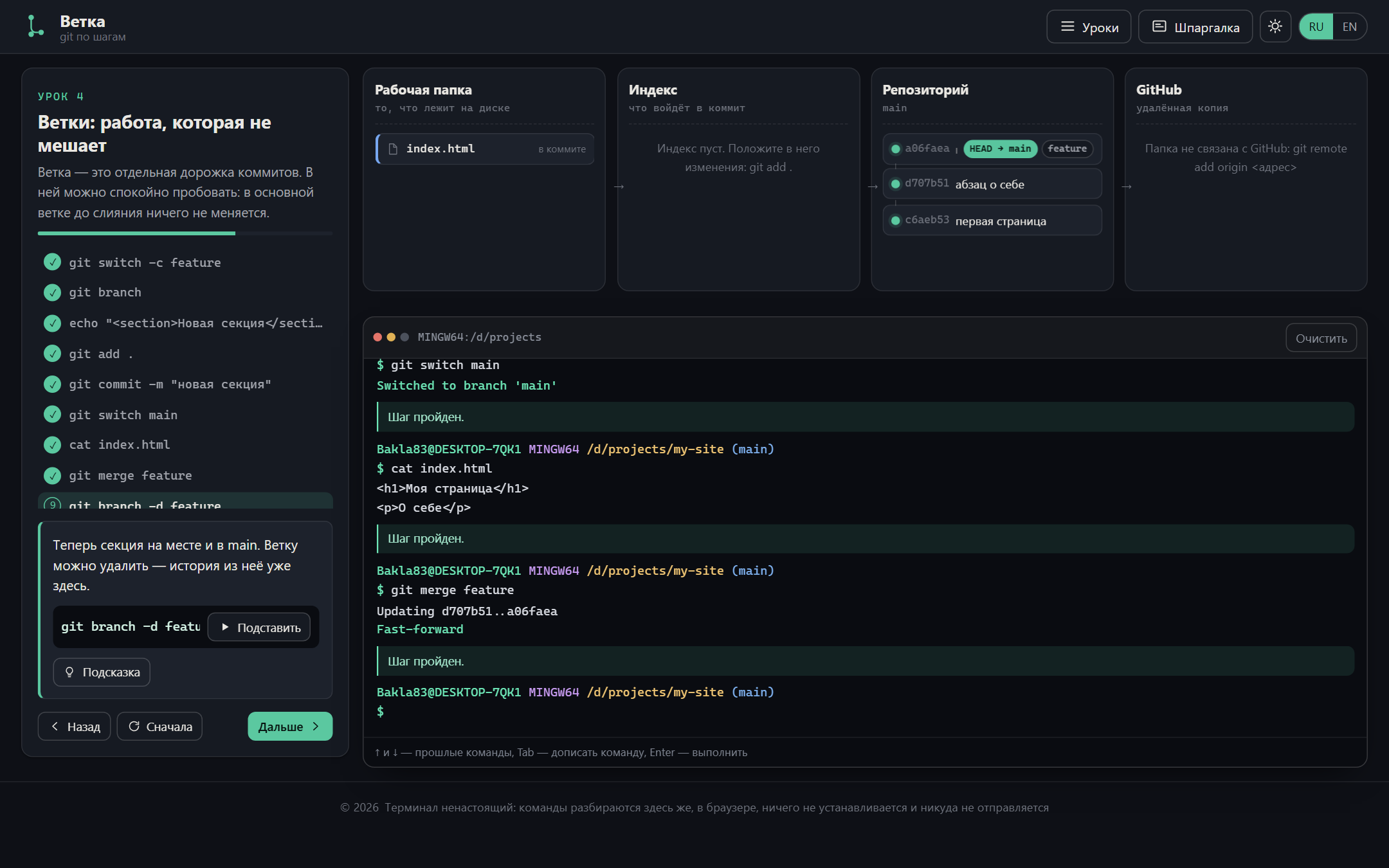
The branches lesson: the commit lands on feature while the file on disk in main stays as it was — until the merge -
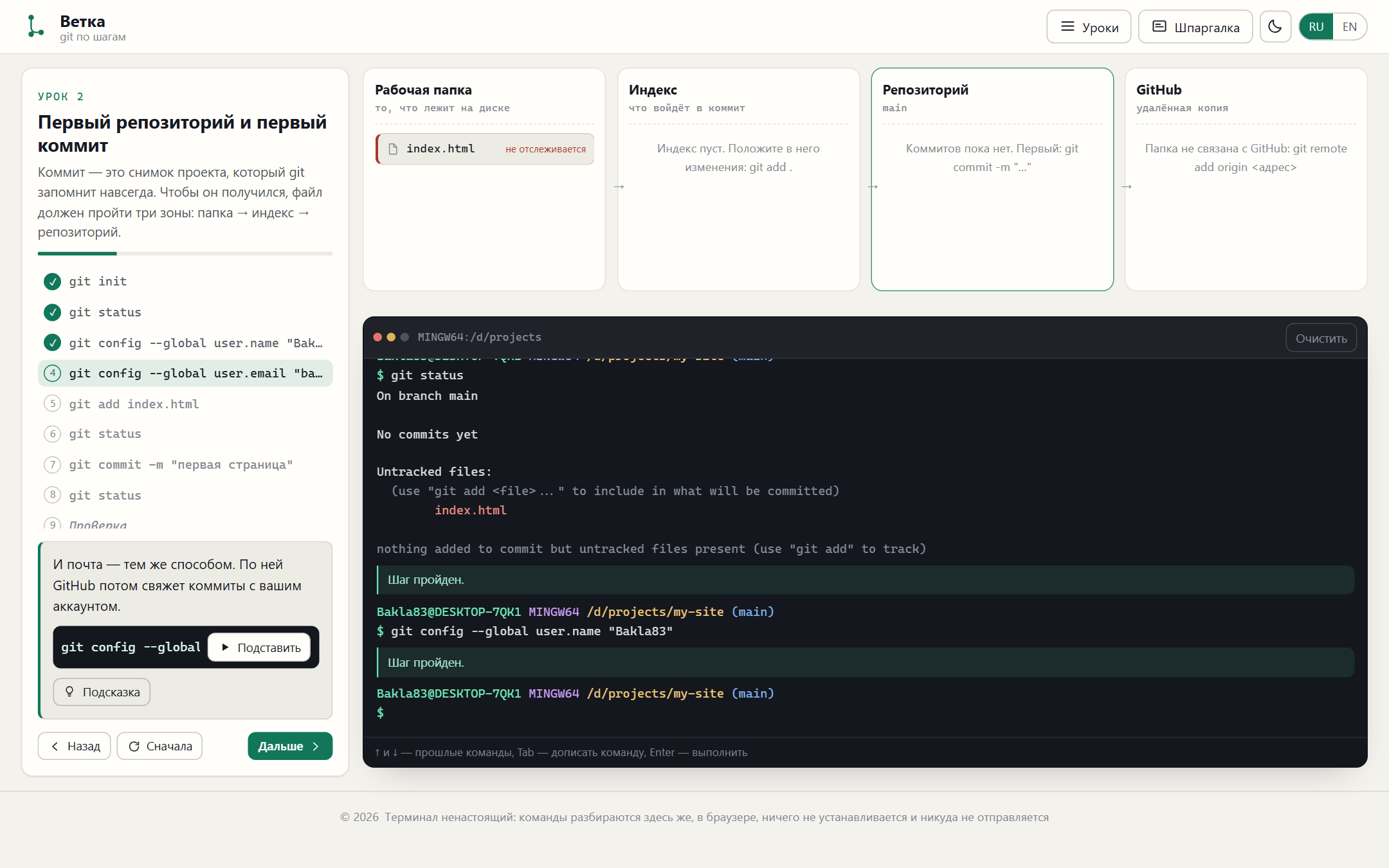
A light theme for projectors and daylight; the terminal stays dark in both, the way it will look in real life -
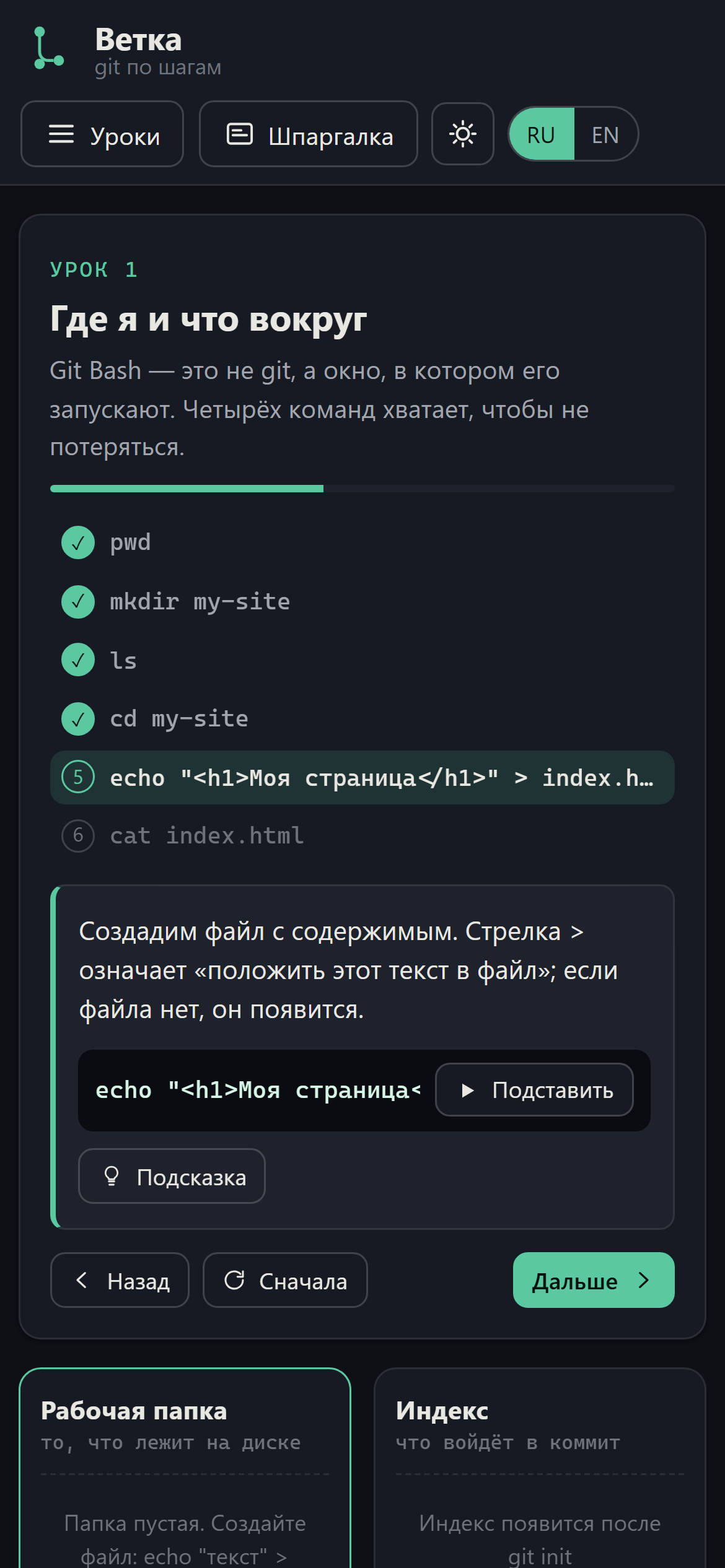
About the project
Six lessons, from “where am I even standing” to the full path “empty folder → repository → .gitignore → commit → GitHub”. A real repository model runs underneath: a file has three versions at once — on disk, in the index and in the last commit — and “modified”, “staged”, “untracked” are not preset flags but the difference between them. That is why you can step off the script: type your own command, break something, run git status and come back.
What is inside
- The four-zone diagram animates with FLIP: the markup is rebuilt from state every time, and the browser works out the trip from folder to index and from commit to GitHub itself
- Card keys are file:<name> and commit:<id>, so a commit flying to GitHub starts from its own point in the local history — you can see that push copies rather than creates
- The lesson never blocks a command you were not asked for: the step is checked after the command has actually run — a trainer that refuses everything unexpected teaches obedience, not git
- Switching branches changes the file on disk and cat shows it — the exact moment branches stop being an abstraction
- The output copies the real thing: a two-line prompt with the branch in brackets, git and bash errors word for word, ↑ for history and Tab completion
- Each lesson ends with a check: the command is no longer shown and has to be recalled; progress and the unlocked cheat sheet are remembered