Websites
Partitura — notes and keys
Write notes on the staff and see at once which piano keys are pressed. And the other way round: press a key and the note lands on the sheet.
Open the project
/play/partitura/index.html
Click the staff or a piano key — the note lands on the sheet. Play runs it back, highlighting the note and the key.
Gallery
-
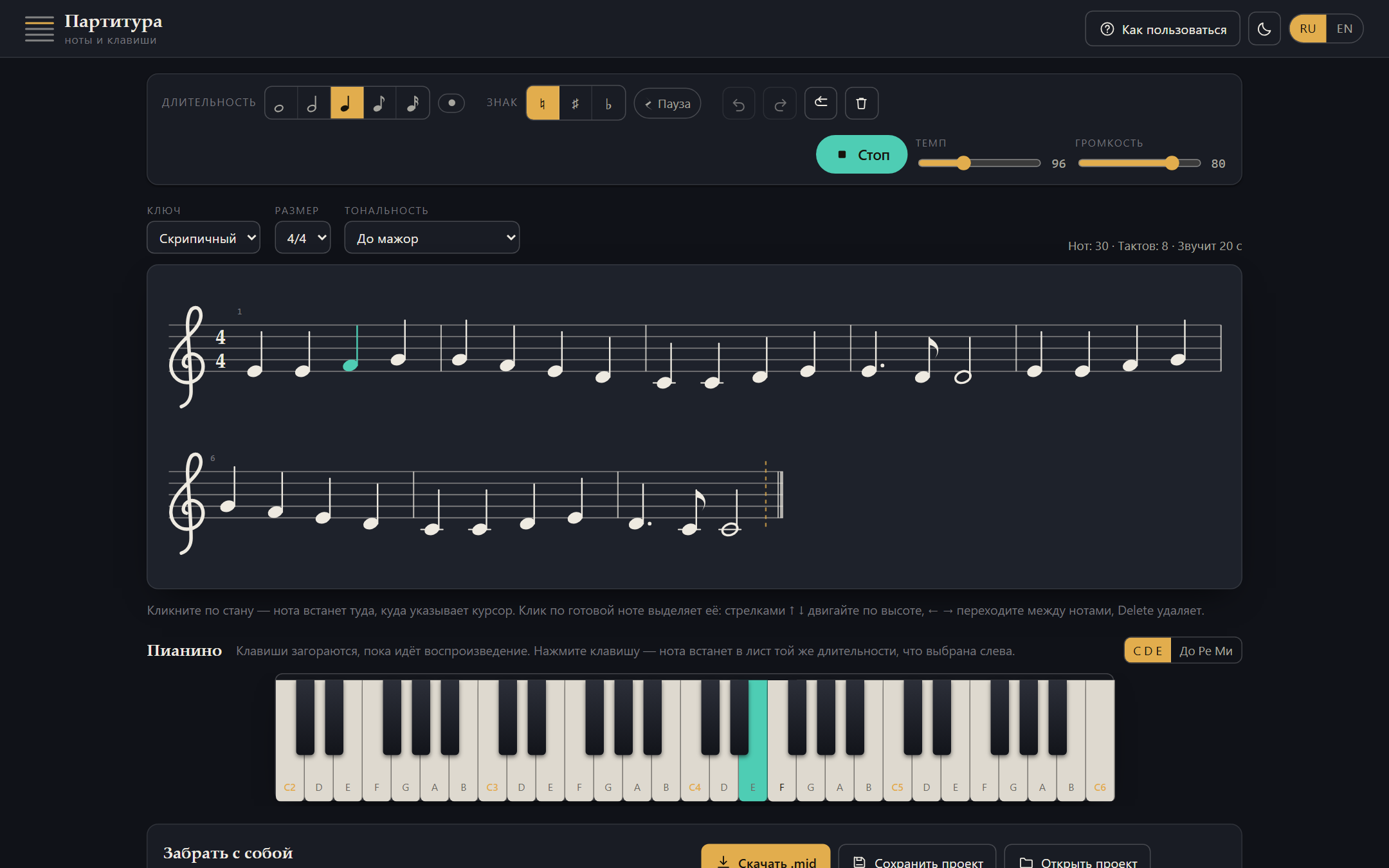
While the sheet plays, both the note and the piano key light up — you can see exactly what is sounding -
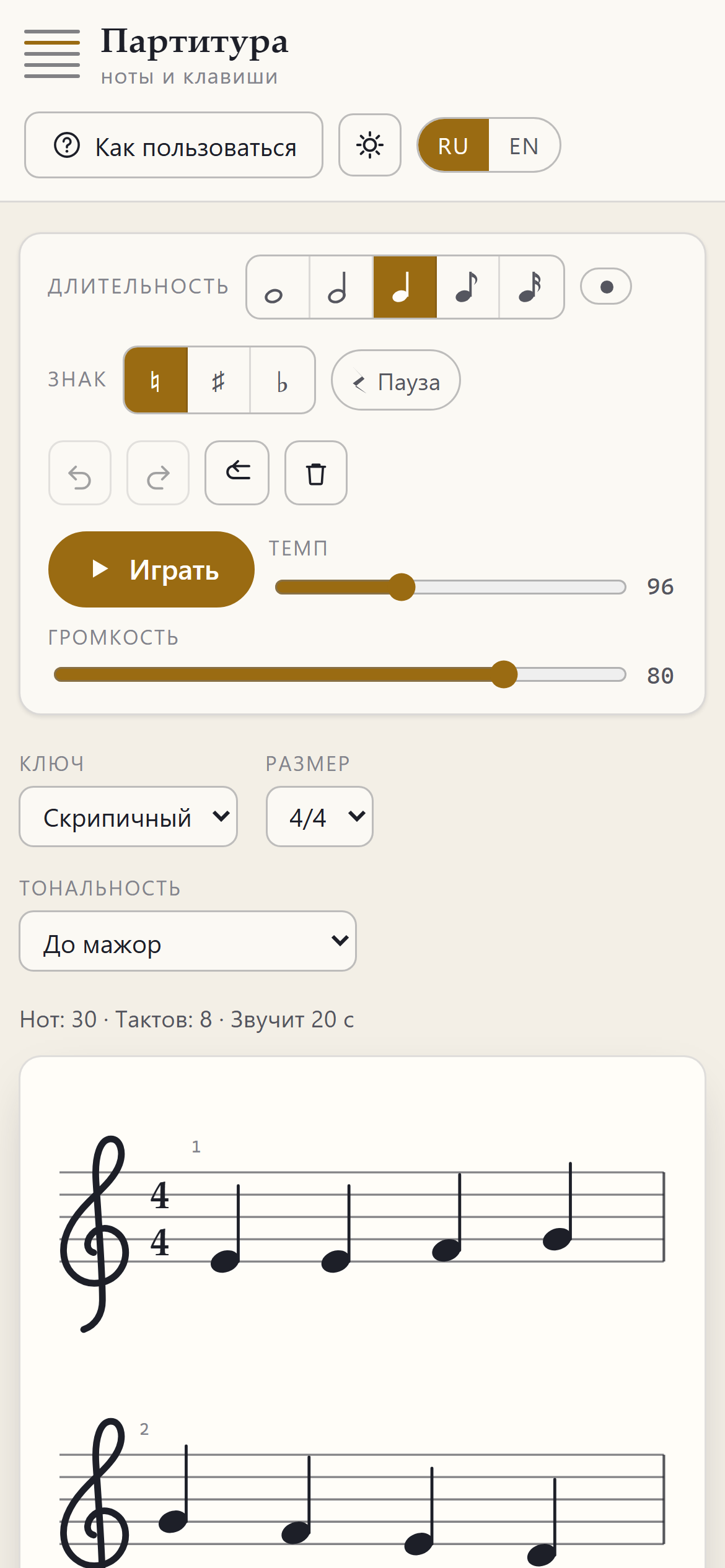
About the project
A notation editor in the browser: treble and bass clefs, time signatures from 2/4 to 6/8, keys up to five accidentals, note values from whole to sixteenth with dots and rests. No music font and no images — every symbol is built in code as an SVG path, so the whole sheet scales from a single value, the distance between staff lines. The result saves as a project, exports as a standard .mid or goes to the printer; nothing is sent to a server.
What is inside
- The piano is wired to the staff both ways: a key adds a note to the sheet, and hovering over the staff lights up the key before you even click — you see what you are about to get
- A note is stored as a staff step plus an accidental, not as a MIDI number: E♭ and D♯ sound alike but are written differently, and changing key never rewrites what you typed
- Clefs, noteheads, stems, beams and rests are drawn in code: a music font would weigh hundreds of kilobytes and come from someone else’s domain, and system fonts draw those symbols at the wrong scale
- Bar lines, beams within a beat and ledger lines all fall out of the layout — you never count beats
- The .mid export is written byte by byte in twenty lines: a ready-made library would outweigh the rest of the project
- Notes are scheduled against the audio clock rather than timers — otherwise the ear hears the beat falling apart